We’re upgrading Fort Nelson to the latest fibre technology

Your neighbourhood is getting upgraded to fibre
Fibre-to-the-home delivers faster speeds, greater reliability, and a future‑proof connection for your household. As we replace our aging underground infrastructure with the best network technology, fibre will become the new standard for internet, TV, and home phone services.
To bring fibre to your home, we need your consent to complete the required work on your property.
Providing consent doesn’t mean you’re signing up for any services. It simply ensures your home is ready for fibre whenever you choose to use it.
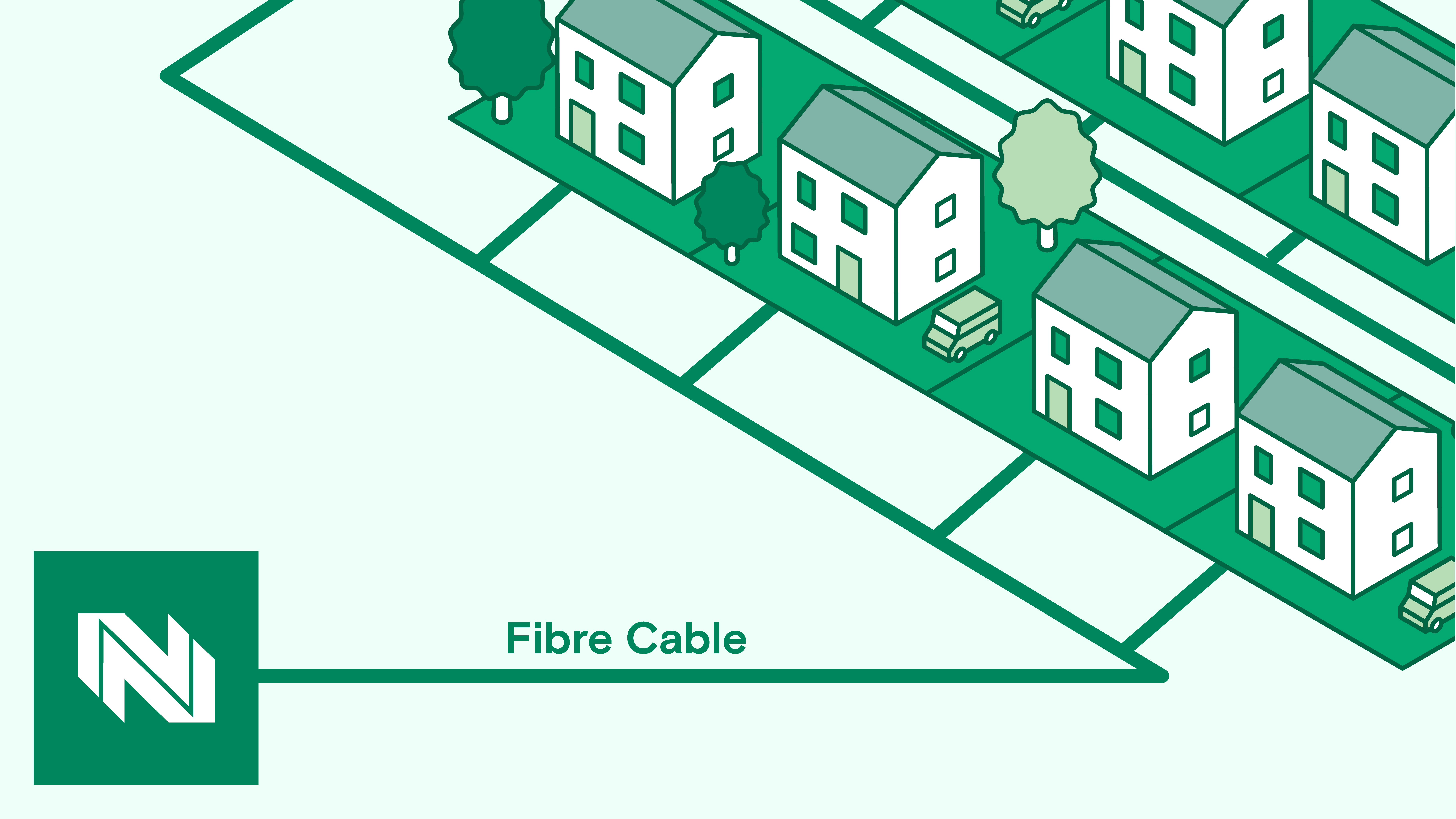
A full fibre line runs directly from our network to your home.
How we're upgrading your home
Our goal is to complete this work with as little disruption as possible. Construction will take place along roads, sidewalks, and residential properties as we install the new fibre network.
After you provide consent, here’s what will happen:
- A contractor will install a service duct to the side of your home. Before any work begins, you may schedule a consultation appointment with a Northwestel representative, who can walk you through the work that will happen and answer any questions you may have.
For properties served by an aerial drop, a technician will install the service connection from the existing utility pole to your home when you migrate to new fibre services. Because this work is completed on existing poles and in the aerial space, homeowner consent won't be required. If any work is required on your property beyond this connection, we will get in touch with you.
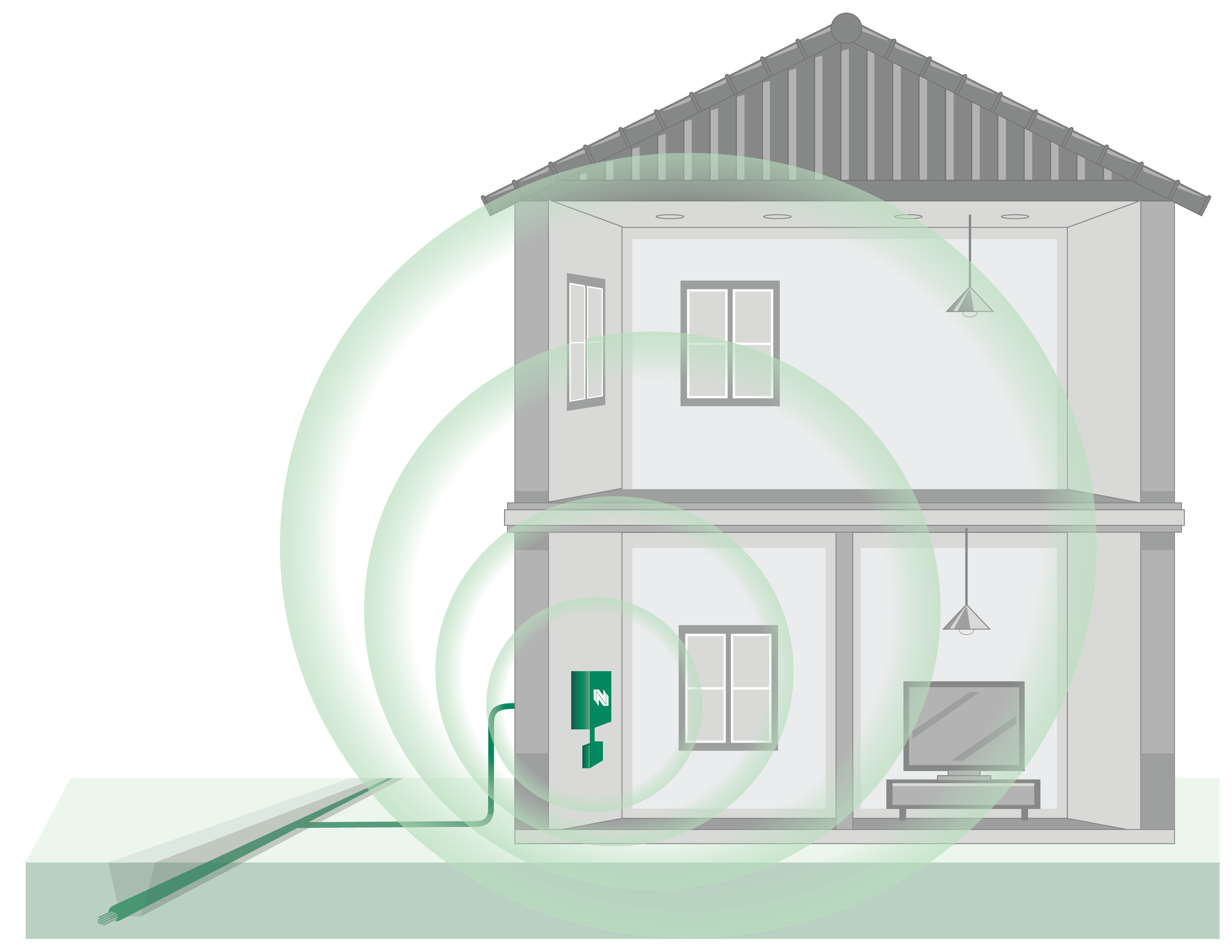
- Later, technicians will return to connect your home to the new fibre infrastructure. This step requires access inside your home to transition your existing services to fibre. We’ll contact you to schedule this when your address is ready.
We’ll keep you informed at every stage so you know exactly what to expect.
Get that fibre feeling

Go faster
Upgrade to symmetrical gigabit internet speeds with the North’s fastest home internet. Stream, game, work, and connect without compromise.
Upgrade your TV
Northwestel TV Plus has everything you love about watching live TV with a few new features and benefits. Enjoy live TV, recorded shows, or On Demand content whenever you want. Watch shows on your computer, tablet, or phone at home or on the go with the TV Plus App.

Construction updates
July 2026: Constructions updates coming soon.
Frequently Asked Questions
- Property lines define the legal boundaries of your land, based on official surveys and legal descriptions.
- Easements are designated areas within those boundaries that allow utility companies access to install or maintain infrastructure.
- These are part of the survey work to prepare for fibre installation. The markings show the easement boundaries where the new fibre lines will go.
- Visit www.nwtel.ca/fortnelson for up-to-date information. We recommend bookmarking this page and referring to it at least once a week.
- We will also be contacting customers periodically throughout the project via e-mail and mail on any important next steps. Contact us to ensure your e-mail is on file!
- Homeowners can consent using an online form by visiting www.nwtel.ca/granger or contacting Northwestel at pco@nwtel.ca for a pdf version.
-
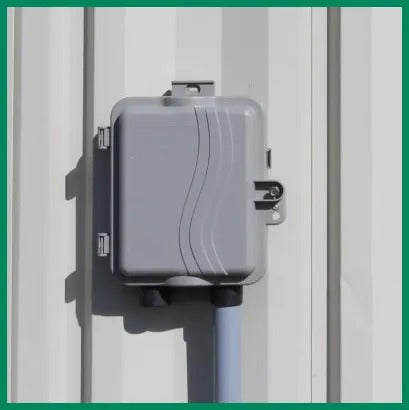
When we arrive, a small box (see below) will be mounted on the side of the home to hold the conduit in place. Please clear any obstructions from the front and side yards of your property.
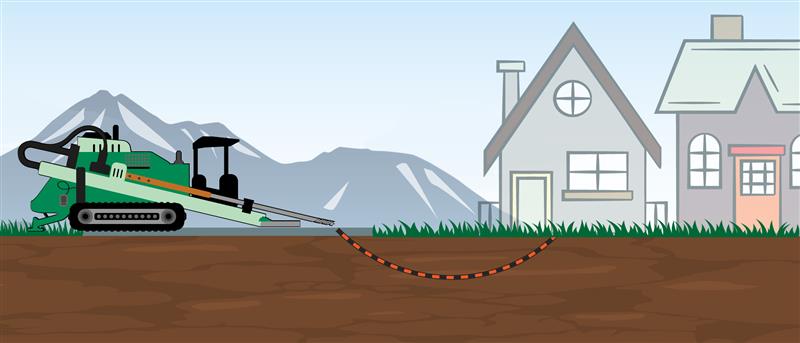
- Northwestel’s primary method of bringing fibre to your home is by using discrete horizontal drilling, which is the most minimally invasive method available on the market today.
- For more information on Northwestel's fibre-to-the-home property construction and restoration policy, click here
- Our crew will use a discreet horizontal drill to install the conduit (also called a service duct) from the edge of your property to the side of your home. A small box will then be mounted on the side of your home to hold the conduit and fibre in place. This is the most minimally invasive method available for fibre installation.
- During the process, you may notice vibrations or hear noise while drilling occurs beneath your property.
- Once the work is complete, our crew will ensure there are no unsafe holes or obstructions.
- Our goal is to complete the conduit install on each property in one visit, but more complex properties and fibre paths may require multiple visits. We will return to put the fibre in the conduit on another visit in the near future.
- Northwestel will cover the installation cost this summer, while delaying will mean a future installation fee.
- A fibre-to-the-home connection can make your property more attractive to buyers.
- It will keep you connected as cable services are phased out.
- Northwestel TV Plus, phone, and internet services are all available over fibre technology.
- We will contact you via email with a date range of when to expect our crews. Unfortunately, due to the nature of the work, we cannot give an exact date and time.
Once sod has been installed on your property, ongoing care becomes the responsibility of the homeowner. Proper maintenance is essential to ensure healthy root establishment and long-term success.
Here are some helpful sod care tips:
Watering:
- Water immediately after installation to keep sod moist. The goal is to keep the soil underneath consistently moist (not soaked).
- For the first 1-2 weeks, approximately 2-3 cm of water per day.
- Split into two or three light watering sessions (morning, midday (if hot), and early evening).
- Weeks 3-4, reduce to about 2-3cm every 2–3 days.
- After establishment, transition to deeper, less frequent watering.
Mowing:
- Wait until the sod is firmly rooted (usually 2–3 weeks) before mowing.
- Do not cut more than one-third of the grass height at a time.
Foot traffic:
- Avoid heavy foot traffic on new sod for at least 2–3 weeks to prevent shifting and root damage.
Fertilization:
- Wait approximately 3-4 weeks after installation before applying fertilizer.
- Apply once the sod has rooted firmly. A starter fertilizer (higher phosphorus, e.g. 10-20-10) helps root growth.
- Apply at the recommended label rate.
Monitoring:
- Watch for dry spots, lifting edges, or signs of stress, and adjust watering accordingly.
Your cooperation in maintaining new sod is essential to ensuring the landscaping investment thrives for years to come.
Online consent form
Only the property owner can complete this form.