Changing the inactivity timeout duration
The Hospitality IPTV set top box has a timeout duration that can be adjusted to 2 hours, 4 hours, 6 hours, 8 hours or ‘Never’. If you have left Live TV content playing for the set duration value without interaction with the set top box, the programming will stop playing.
For customers with televisions in Restaurant & Bars or Common Areas, we recommend setting the duration to ‘Never’, so there won’t be any interruptions.
To adjust the inactivity timer:
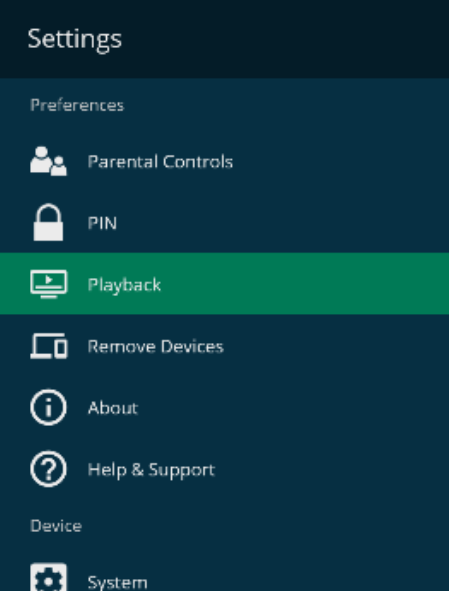
- Navigate to and Select Settings on the Home Screen

- Select Playback
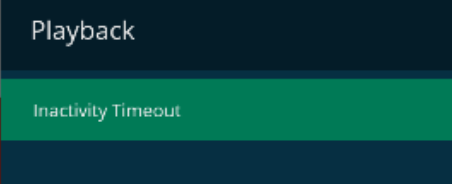
- Select Inactivity Timeout
- Select the timeout value
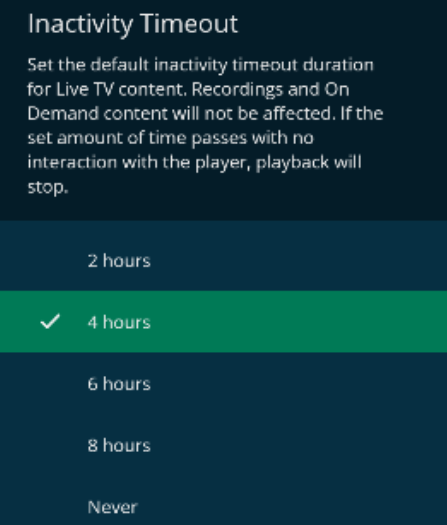
Note: The inactivity timeout duration is only for Live TV content. Recording and OnDemand content are not affected by the timeout.
